Turn your character
into a 3D avatar.
Upload a clear, full-body character image. Choose Standard, HD or Ultra, then explore and download your textured 3D avatar.
Upload image for 3DNo image yet? Design a character first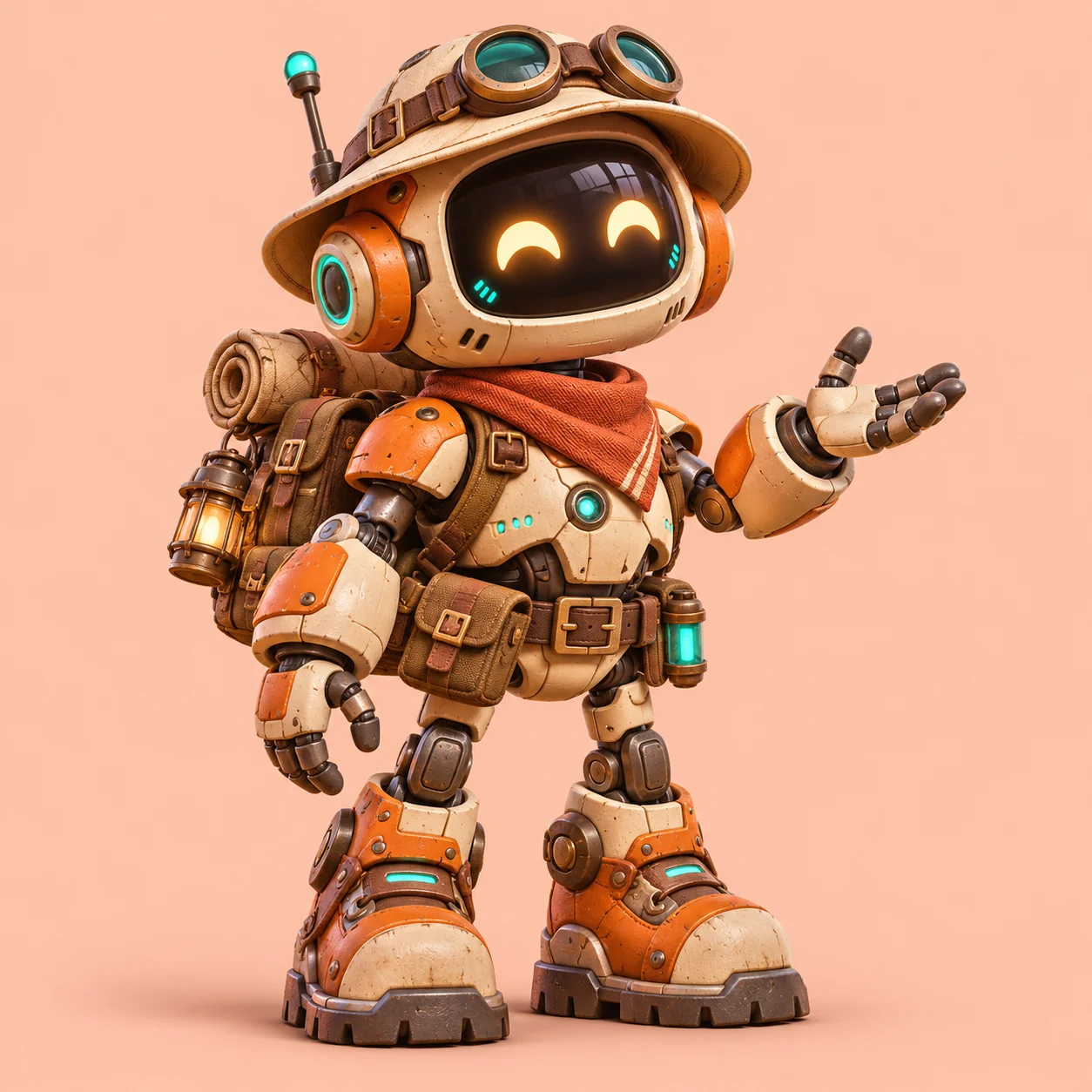
Your character, ready to explore.
Upload your character
Use one full-body illustration with visible arms and legs on a simple background.
Generate your 3D model
Choose Standard, HD or Ultra before starting the 3D reconstruction.
Explore every angle
Rotate the result and download the GLB model with a PNG of your chosen view and background.
Creates a static 3D model. Facial tracking, rigging and animation are not included.
Keep the character you already designed.
This image-first route is for artwork you already have permission to use. The explorer robot in our showcase pairs a character reference with a real model you can inspect from different angles. A single image does not show the back, so the reconstructed surfaces can differ from your design.
Choose a background for your PNG presentation, then download it together with the GLB. A GLB is a model file: the app opening it controls the background. Download before the temporary result expires; your artwork is not kept in a history library.
See the reference-to-model example